Gameplay
Alchemy Factory Restock: Shelves, Catapults and Arcane Fountains
Choose automatic shelf-delivery devices, match displays to products, and fix delivery routes that fail because of placement, angle or range.
Updated
- Guides
- 30
- Topics
- 2
- On this page
- 4
Send finished products to the right display
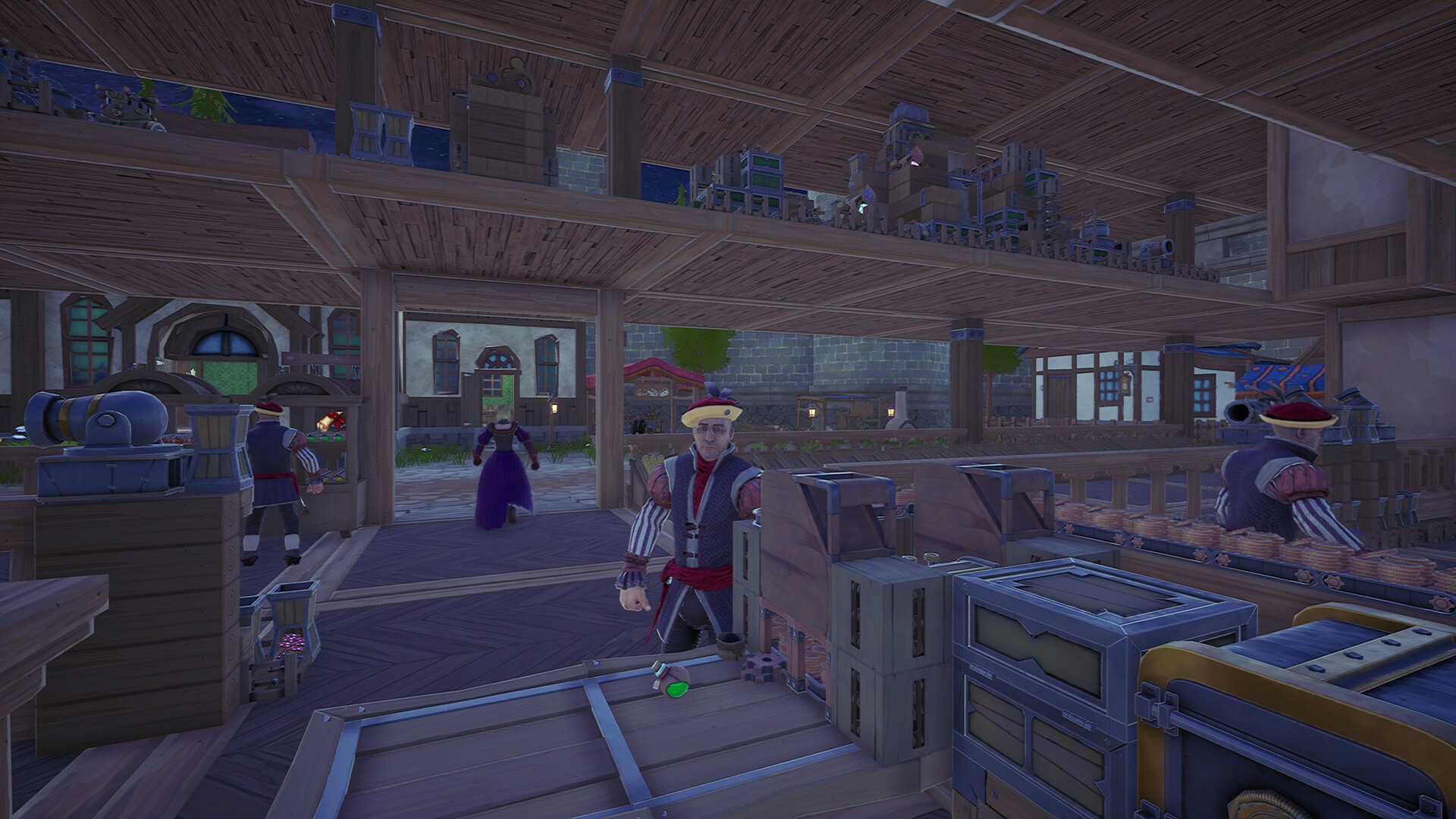
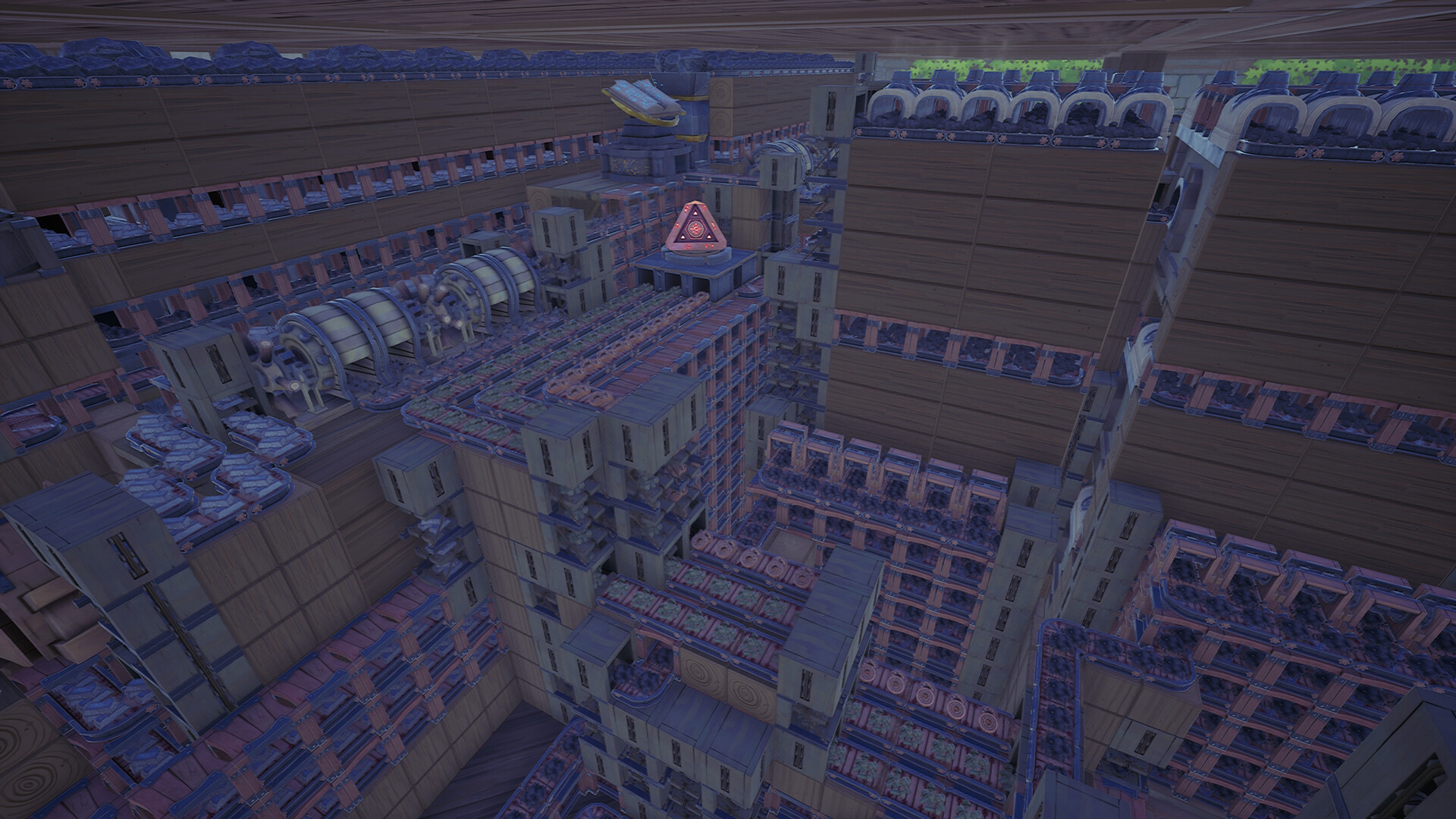
Feed production into a shelf-delivery device. A Catapult throws items onto shelves or Hopper Conveyors; a Cannon offers a longer throw with unrestricted angles, while an Arcane Fountain identifies its inputs and sends them to corresponding nearby shelves or Advanced Hoppers.
For potions, use a Potion Shelf and place the delivery device within reach. A reachable shelf can receive automatic stock from the Catapult as products arrive.
Match the shelf to what you sell
- A Medium Shelf displays and sells sundries in two slots.
- A Large Shelf provides three slots for displaying and selling sundries.
- A Potion Shelf provides four slots for potion displays and sales.
- A Relic Shelf has an adjustable size for displaying and selling relics.
Position the delivery route
- Arrange the production feed and intended shelf, then position the Catapult with its angle and distance restrictions in mind. It must be able to reach the display.
- Try a Catapult for downward deliveries and a Cannon for upward or across-room deliveries. The Cannon has two conveyor inputs, a longer throwing distance and no angle restrictions.
- For an Arcane Fountain route, keep the corresponding shelves or Advanced Hoppers nearby. The fountain also supports an inverted placement for layouts that need it.
Fix a shelf that stays empty
- What should I change if a delivery device cannot reach the shelf?
- Adjust the shelf or delivery-device position to satisfy the Catapult angle and distance limits. For difficult overhead routes, try placing the shelf and delivery devices at shop height on the same level, or use the Cannon for its wider targeting freedom.
- How does the Arcane Fountain choose a destination?
- It identifies the incoming material automatically and sends it to the corresponding nearby shelf or Advanced Hopper. Check the intended nearby targets when arranging its supply route.
Watch the Catapult setup stocking reachable shop shelves automatically.Playing this video connects to YouTube.