Gameplay
Alchemy Factory Blueprints
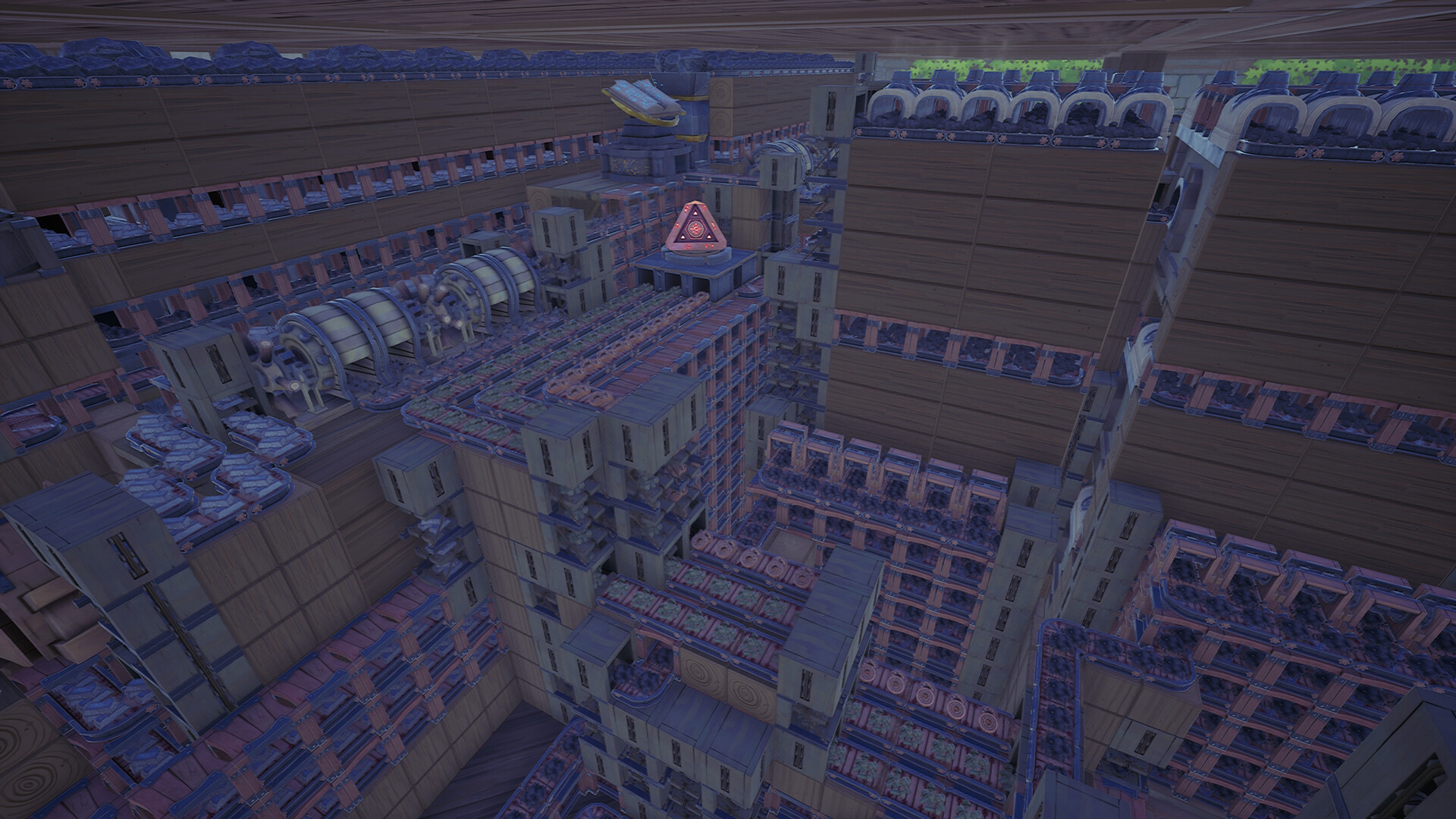
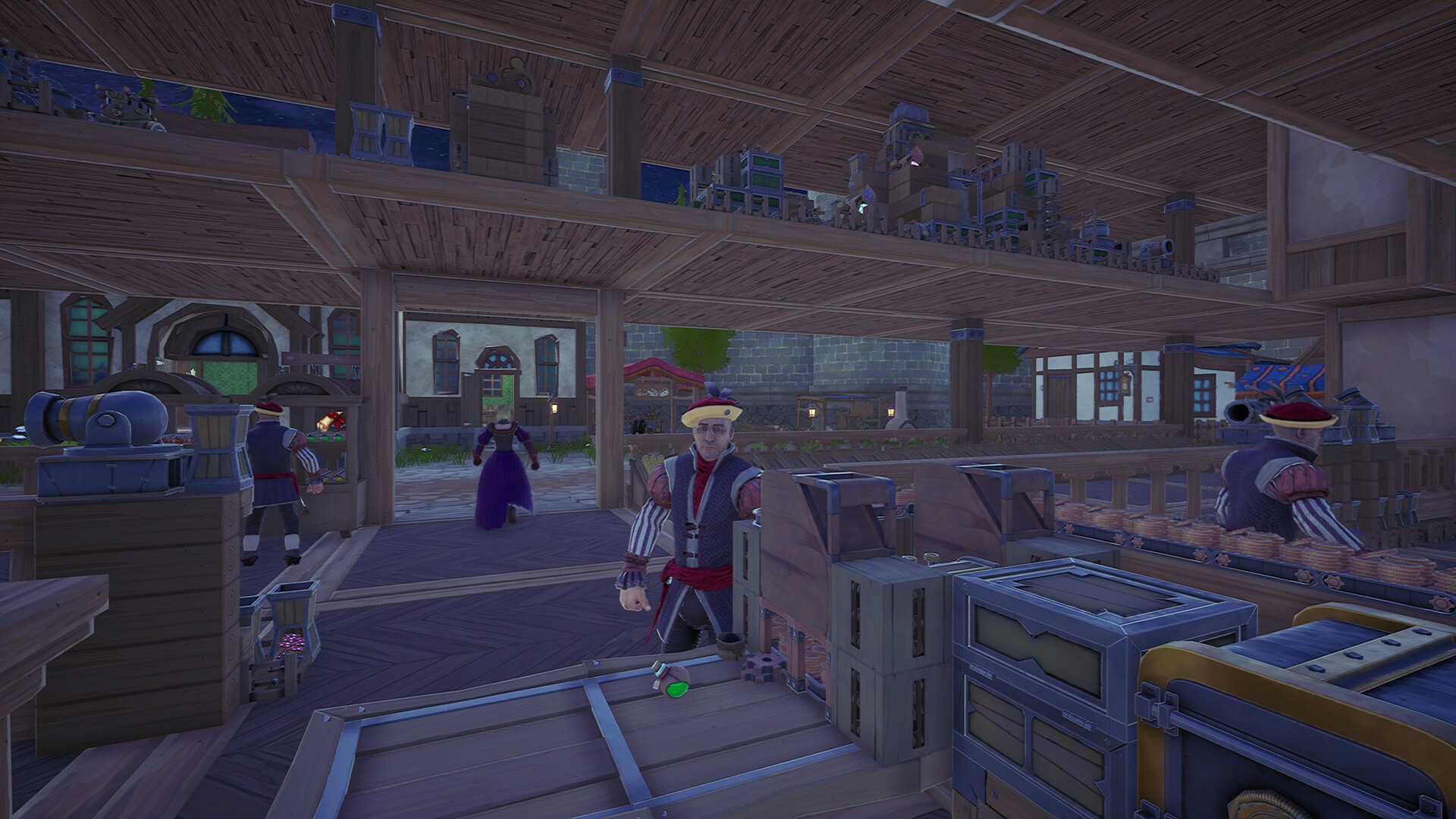
Select and save factory layouts, organize blueprint folders, export local files, and use shared Steam Workshop layouts.
Updated
- Guides
- 30
- Topics
- 2
- On this page
- 2
Save, export, and reuse a layout
Press Q to open the build menu, select the Blueprints tab, and use the Blueprint Directory button to open the blueprint folder on your PC.
Select the area you want to save, press F to confirm the selection, and press H to save it. Before confirming the save, choose which available blueprint location should receive it.
Open the Blueprint menu and find the saved layout you want to manage. Select Export to open its exact file location, where you can rename the file or move it into another blueprint folder before refreshing the directory.
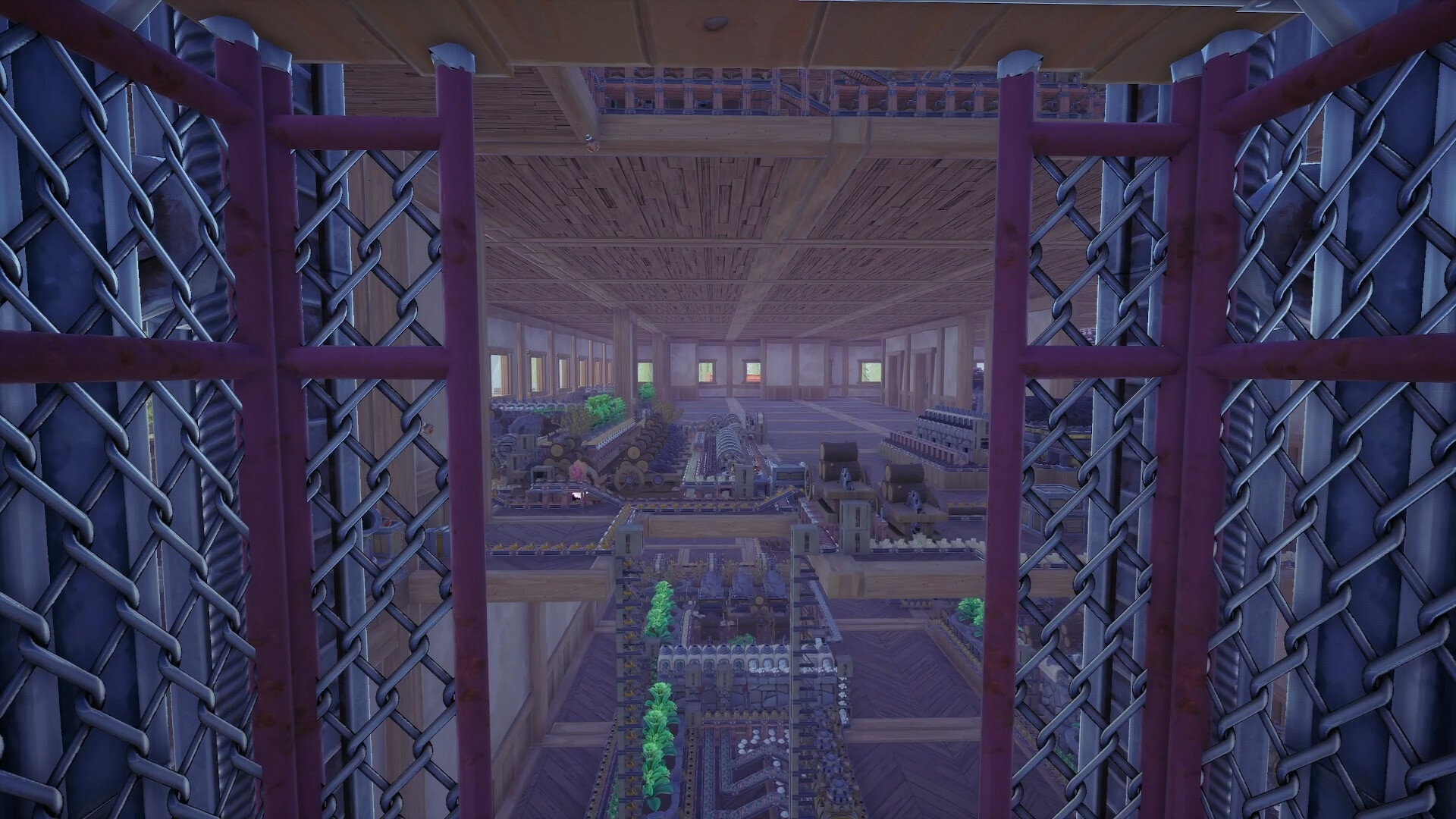
Use Steam Workshop to subscribe to other players' blueprints or share your own factory layouts.
Watch the blueprint directory and file-management walkthrough.Playing this video connects to YouTube.
Folders and shared factory layouts
- How do multiple blueprint folders work?
- Use folders to organize your Blueprint Directory. Create folders in the Blueprint Directory, move saved blueprint files into them, select Refresh, and use the folder drop-down to view their contents. You can also drag selected blueprints between folders and refresh again to update the displayed location.
- What kinds of shared blueprints are available?
- Steam Workshop supports blueprint subscriptions and sharing. Listed community layouts include Infinite Steam Generator - Blast Potion, Improved Fertilizer (Stackable), Jupiter Relic 1-Tile By Mister_Dels, and Advanced Fertilizer Factory By Uglarvisk.