Gameplay
Alchemy Factory Floor Support: Pillars, Beams and Upper Floors
Plan supported upper floors, compare pillars and beams, use quarter-floor placement, and avoid losing structures during demolition.
Updated
- Guides
- 30
- Topics
- 2
- On this page
- 3
Support floors from below
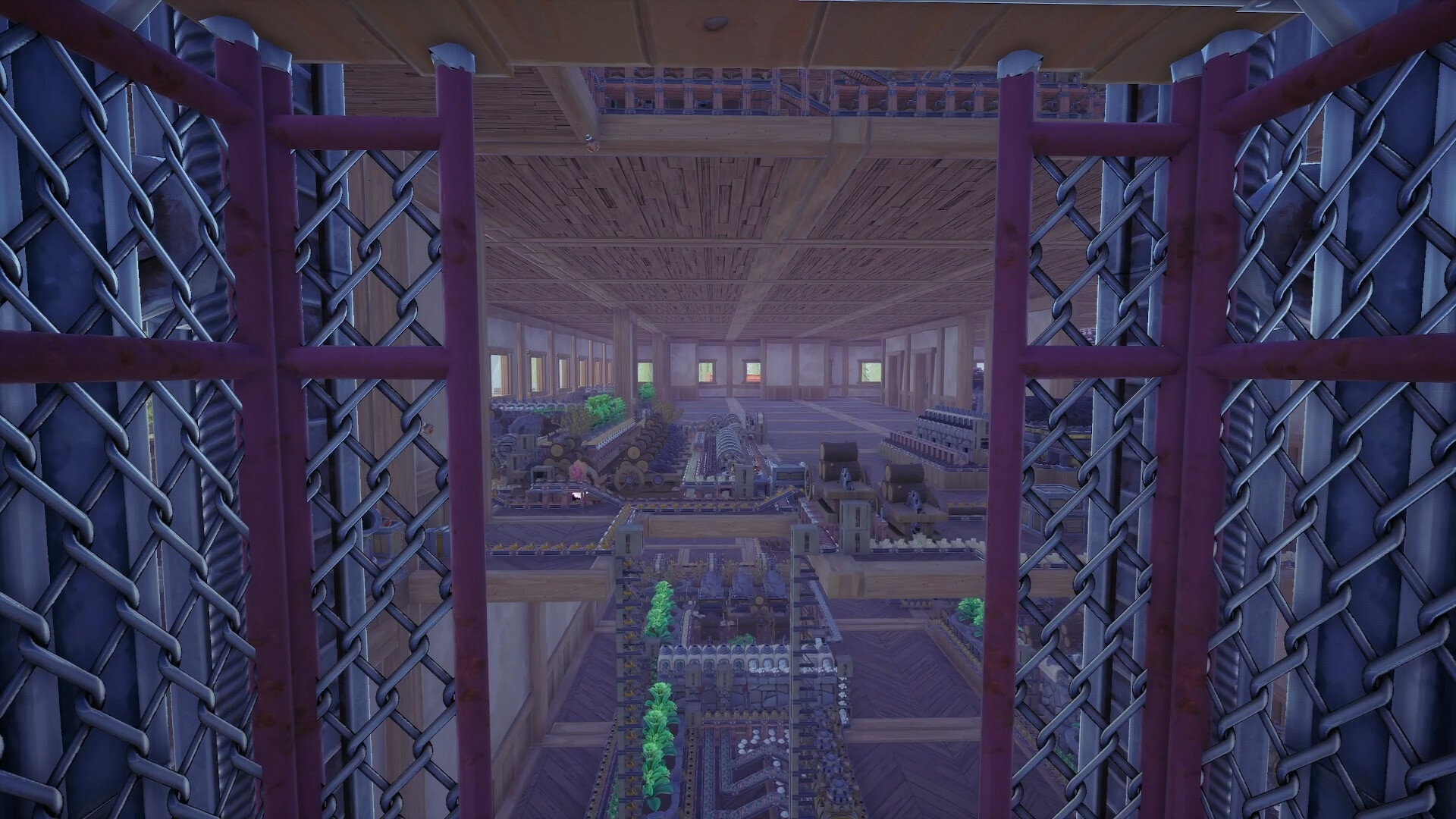
Upper floors need walls or pillars beneath them. Removing a supporting wall also removes the connected floors and walls above it, so plan the support layout before extending the factory upward.
Keep the pillar positions identical on each floor. Support is calculated down to the ground; mismatched layouts can eventually prevent further placement as the building grows taller.
Choose the support structure
- A Pillar is a steel-reinforced floor support. Its build cost is 5 Planks and 5 Steel Ingots.
- A Beam requires support at both ends and offers different build lengths. Its build options cost 3 Planks; 5 Planks and 5 Nails; 10 Steel Ingots; or 18 Steel Ingots.
- The Retractable Beam is adjustable in length, up to 10 tiles. Drag the structure when building to fit the span you need.
Expand floors and change the layout
- How do I switch between full and quarter floors?
- Press T while holding a floor tile. Quarter floors can keep the interior more open between supports, but the layout requires more individual tile placements.
- What should I check before demolishing a wall?
- Check which floors and walls it supports above. Removing the supporting wall removes those connected structures too; retain the supports needed by the upper layout while planning changes.
- Where does vertical building progression begin?
- Use the Building Tool at the Workbench. Its first level unlocks platforms and stairs, and the next level allows demolition of the starter house and construction of multiple floors. Keep the supports aligned as you add each level.