Gameplay
Alchemy Factory Automatic Cashier
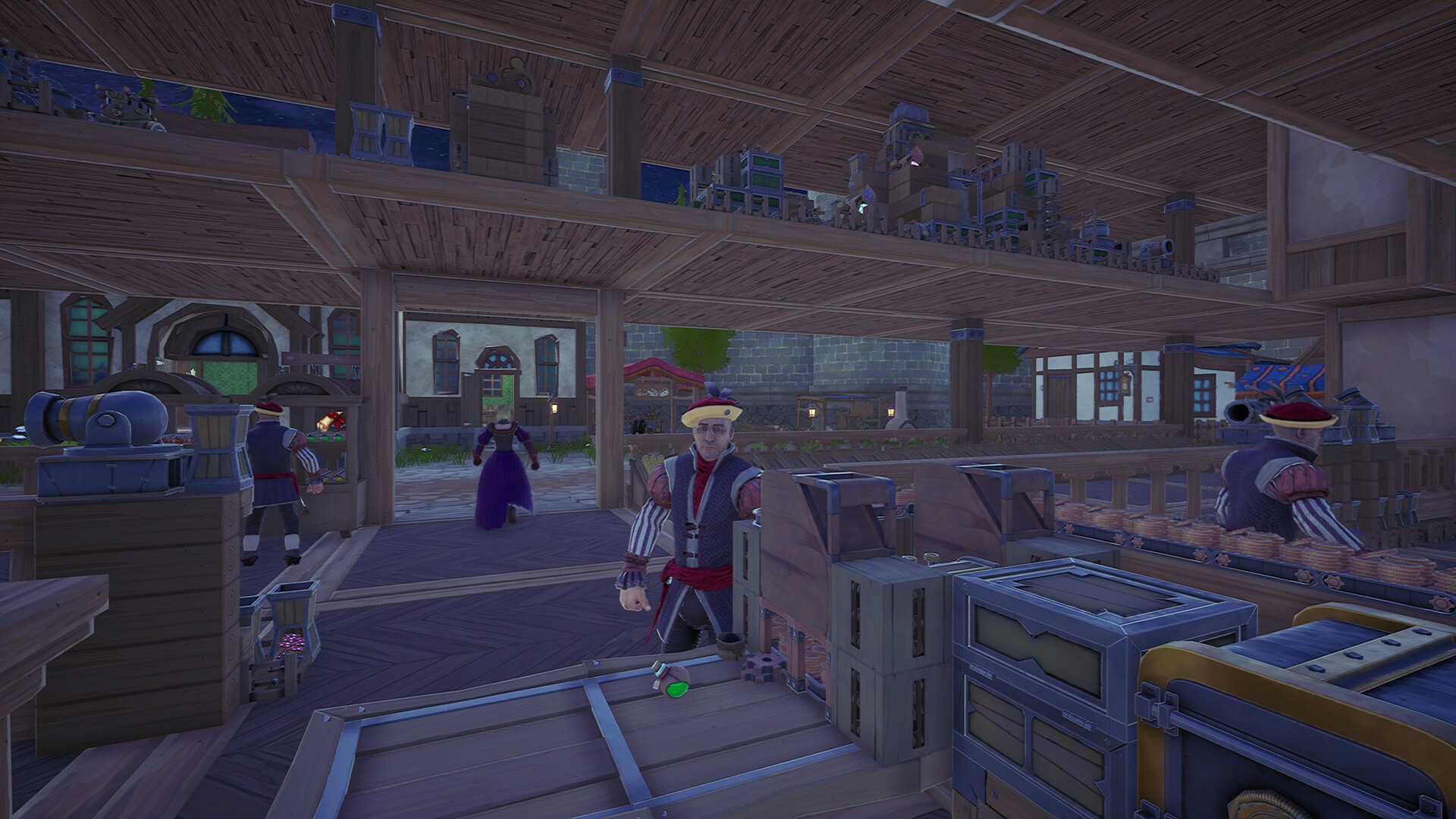
Install the Automatic Cashier on a checkout counter and route received sales coins into storage, conversion, or material purchasing.
Updated
- Guides
- 30
- Topics
- 2
- On this page
- 2
Install Automatic Checkout
Install the Automatic Cashier on the checkout counter to enable automatic checkout.
The Automatic Cashier has two conveyor belt outputs for received payments, and its listed build cost is one Cash Register.
The cashier stops working when its coin limit is reached, so use its outputs to move received payments onward.
Route Coins Back Into the Factory
- Where can the cashier send received payments?
- Its two conveyor belt outputs can automatically transfer received payments to chests or portals.
- How do I connect sales coins to material purchasing?
- Connect a coin Conveyor Belt to the purchasing portal input and a Raw Materials Conveyor Belt to its output. Open the portal interface to select the materials you want; after it receives enough coins, those materials leave through the output.
- What can the Bank Portal do with the coins?
- The Bank Portal converts back and forth between two coin types and lets you set the amount released with each output. Its listed cost is one Portal Sigil and five Iron Ingots.