Gameplay
Alchemy Factory Shop Logistics: Stocking and the Coin Loop
Connect production to shelves, send checkout coins into purchasing portals, and keep customer paths and raw-material routes usable.
Updated
- Guides
- 30
- Topics
- 2
- On this page
- 4
Connect products, customers and purchasing
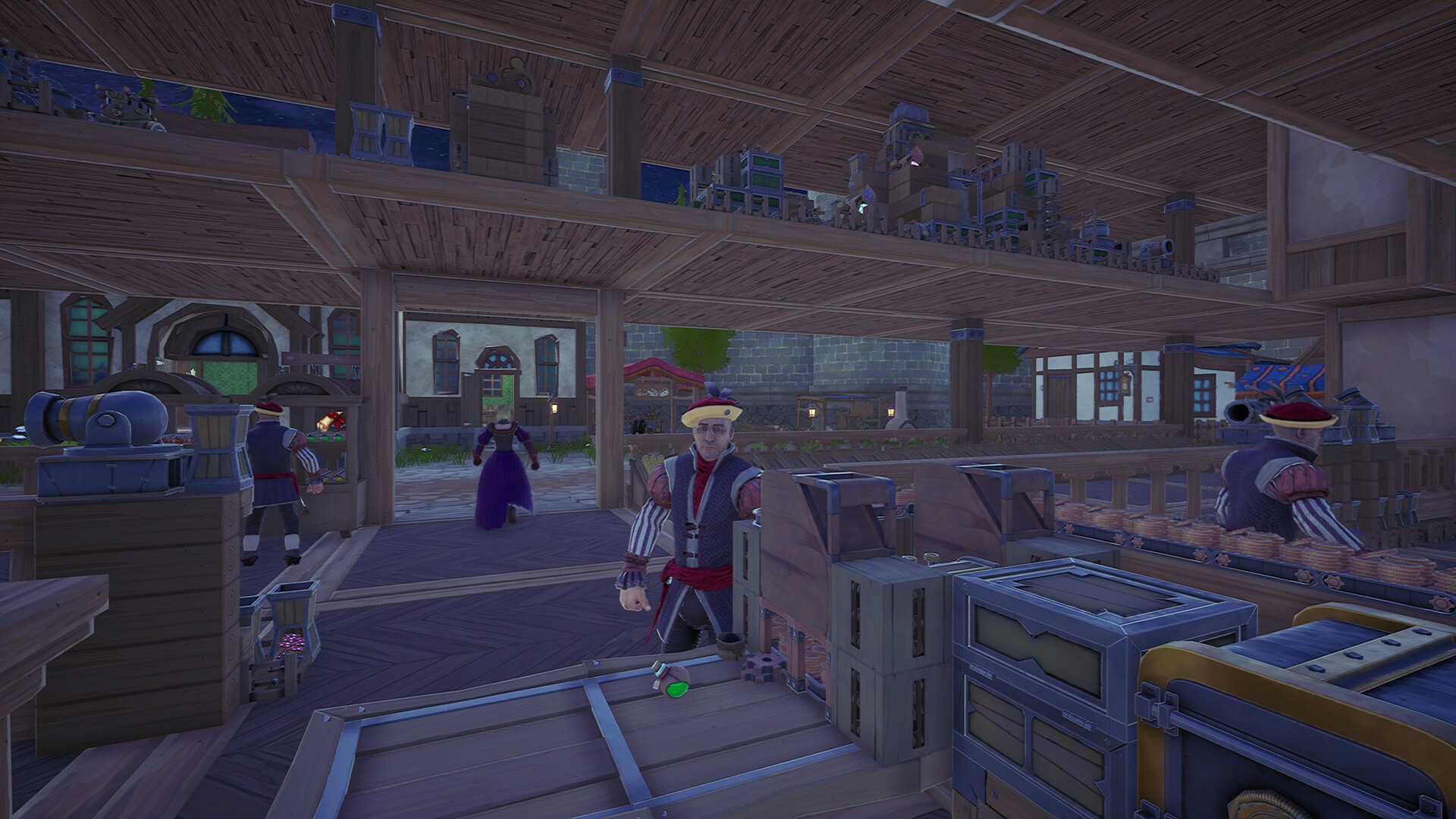
Build the shop loop around stocked displays, an Automatic Cashier and purchasing portals. Catapults move products onto reachable shelves, checkout collects customer payments, and a belt sends those coins into the portals that buy your raw materials.
Assemble the automatic shop loop
- Place the displays needed for your products. Potions use a Potion Shelf; position a Catapult so its throws can reach the display and feed it from production.
- Use the Automatic Cashier for checkout. Route its two conveyor outputs to storage or purchasing portals, keeping received coins moving away from the counter.
- Connect the coin belt to each purchasing portal input and a material belt to its output. Open the portal interface and select the raw material for that line.
- The portal releases the selected material once it has enough coins. Connect that material output to production so shop income supplies the next batch of goods.
Keep transport and customer routes usable
- Keep every stocked display accessible to customers and maintain an automatic product feed. Customers arrive looking for the products on their shopping lists.
- Check Catapult angle and distance before fixing a shelf in place. A Hopper Conveyor can catch thrown items and send them through its conveyor output when the delivery route needs an intermediate receiver.
- Place purchasing portals close to their consuming machines. A long connecting belt can fill with purchased raw materials, tying up money in stock sitting between the portal and the machine.
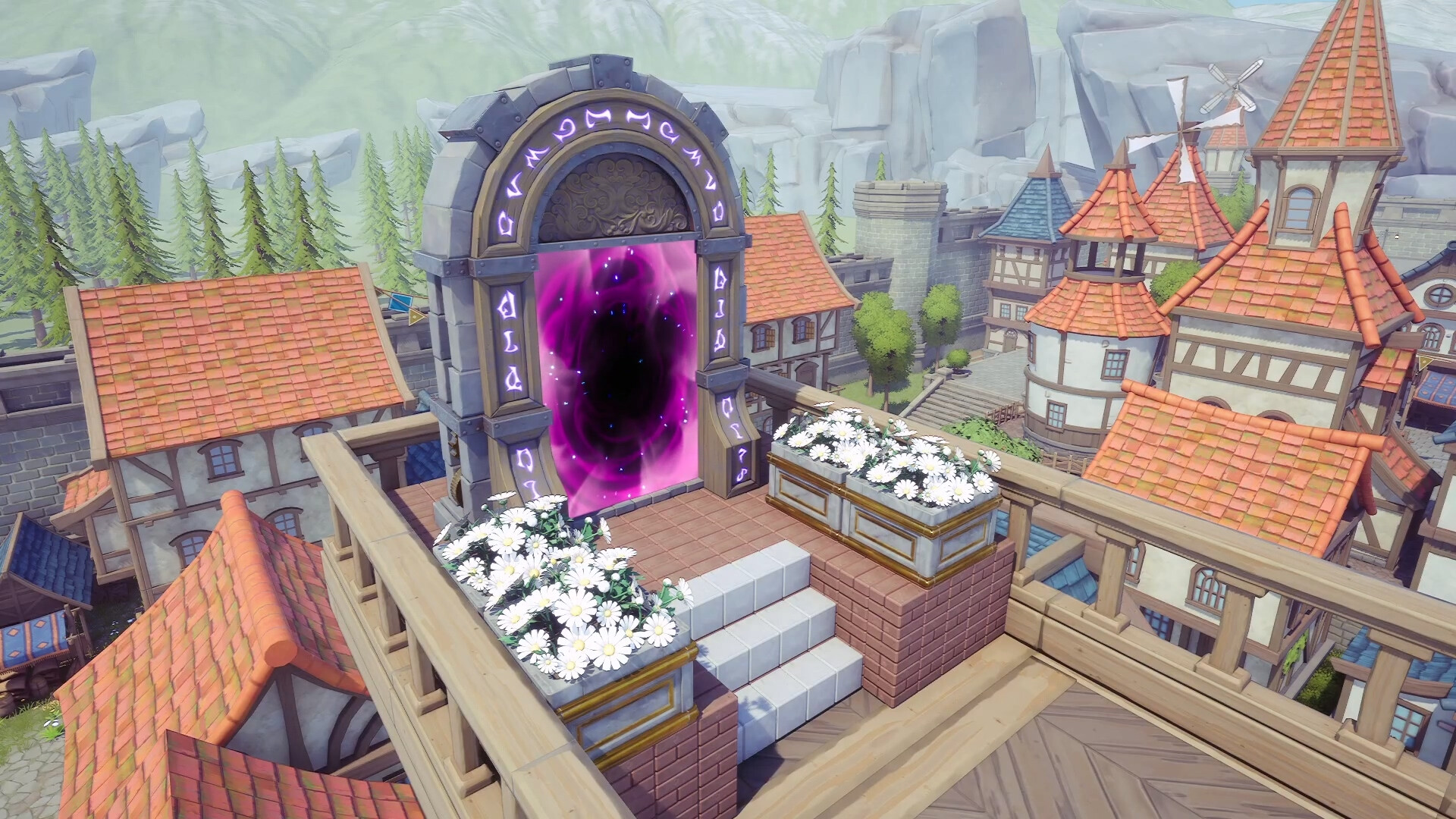
- Customers can reach upper floors, so a multi-story shop needs planned paths to its displays. The Grand Portal brings additional customers from distant cities.
Recover a stalled purchasing loop
- What should I check if checkout or purchasing stops?
- The Automatic Cashier stops at its coin limit, so inspect the outgoing coin route. At a purchasing portal, verify the input belt and selected material; the portal releases resources after receiving enough coins.
Watch the shelf-stocking setup and the coin belt from the cashier to purchasing portals.Playing this video connects to YouTube.