Gameplay
Alchemy Factory Clay Blueprint
Build a reusable Clay production module with the correct ingredients, machines, crafting times, and blueprint workflow.
Updated
- Guides
- 30
- Topics
- 2
- On this page
- 2
Clay recipe and input rates
Make 1 Clay in an Assembler with 2 Charcoal Powder and 4 Sand. Each craft takes 4 seconds and produces no byproducts.
Make 1 Sand from 1 Stone in a Grinder. This step takes 12 seconds.
Make 1 Charcoal Powder from 1 Charcoal in a Grinder. This step takes 4 seconds.
Saving and organizing the layout
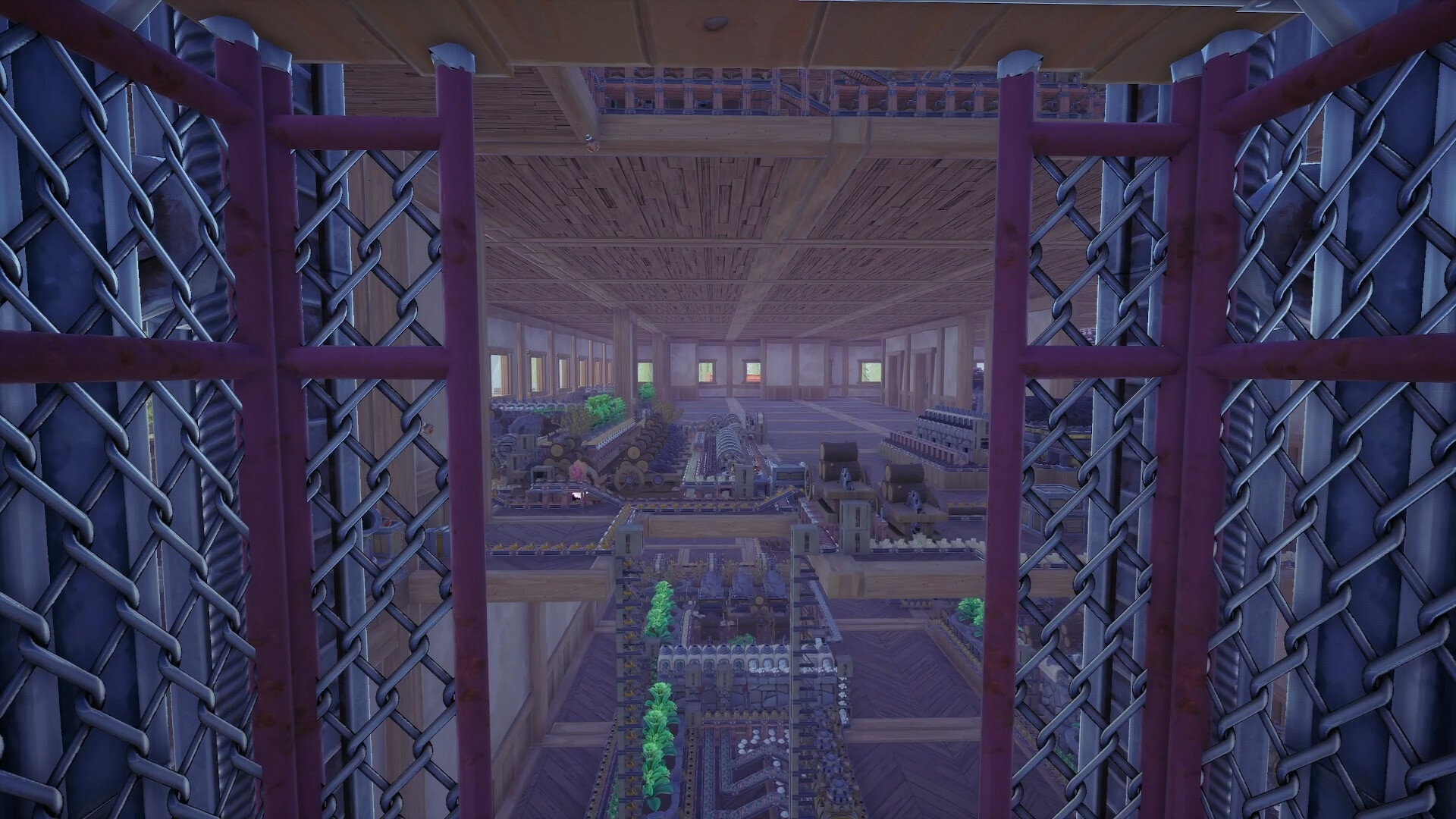
Arrange the Sand and Charcoal Powder feeds around an Assembler, then include that production area when selecting the layout for your reusable blueprint.
Watch the blueprint directory guide to see the save, export, rename, folder, and refresh controls in use.Playing this video connects to YouTube.
- How do I save the selected production area?
- Shift-click and drag to select the entire blueprint area, press F to confirm the selection, and then press H to save it.
- Where can I manage saved blueprints?
- Press Q, open the Blueprints tab, and select Blueprint Directory to open the blueprint folder on your PC.
- How do I rename and reorganize a blueprint?
- Use Export to open the selected blueprint in the file explorer, rename its file, drag it into the desired blueprint folder, and refresh the directory after moving it. You can also choose among multiple blueprint locations before confirming a new save.